
Object Deletion
Delete objects using the RustFS UI, MinIO Client, or API.
This guide covers object deletion.
For concepts related to objects, see Core Concepts.
Using the RustFS UI
- Log in to the RustFS Console.
- Select the bucket containing the file to be deleted.
- On the bucket page, select the file to be deleted.
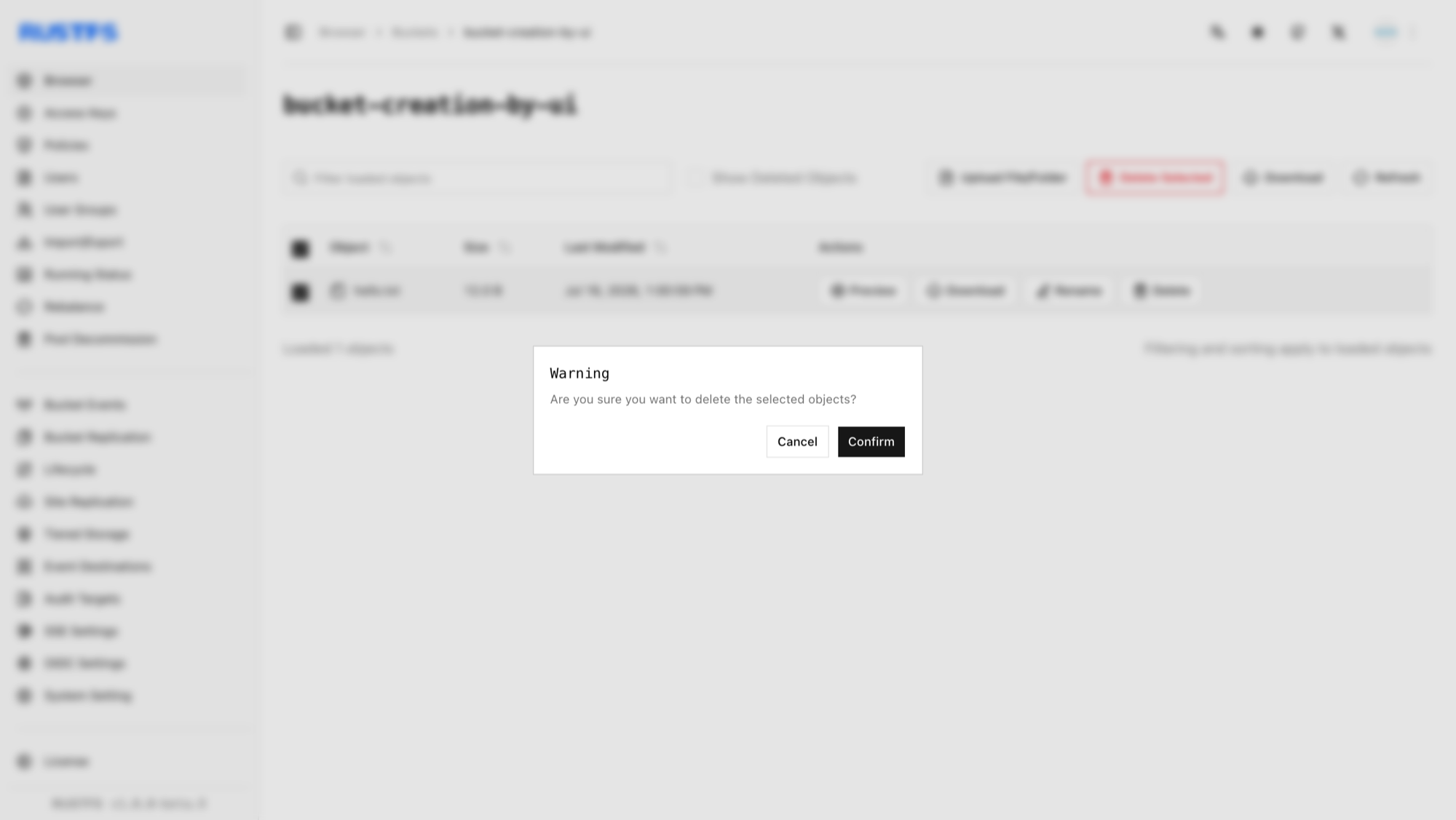
- Click Delete Selected Items in the upper right corner, then click Confirm in the popup dialog.
Using mc
Delete a file:
# delete file
mc rm rustfs/bucket-creation-by-mc/1.txt
Removed `rustfs/bucket-creation-by-mc/1.txt`.

# confirm deletion
mc ls  rustfs/bucket-creation-by-mc/1.txt
Verify the deletion in the RustFS Console.
Using the API
Delete a file via API:
DELETE /{bucketName}/{objectName} HTTP/1.1S3 requests must be signed with AWS Signature V4, so use an S3 client rather than hand-crafting headers. With the AWS CLI configured for your access keys:
aws s3api delete-object \
  --bucket bucket-creation-by-api \
  --key hello.txt \
  --endpoint-url http://localhost:9000
Verify the deletion in the RustFS Console.