
Object Creation
Create objects using the RustFS UI, MinIO Client, or API.
Objects are the fundamental storage units in RustFS, containing data, metadata, and a unique key. This guide covers object creation (upload).
For concepts related to Objects, see Core Concepts.
Creating Objects
Prerequisites:
- A running RustFS instance (see Installation Guide).
Create a bucket, then upload files to it.
Using the RustFS UI
- Log in to the RustFS Console.
- Select the target bucket.
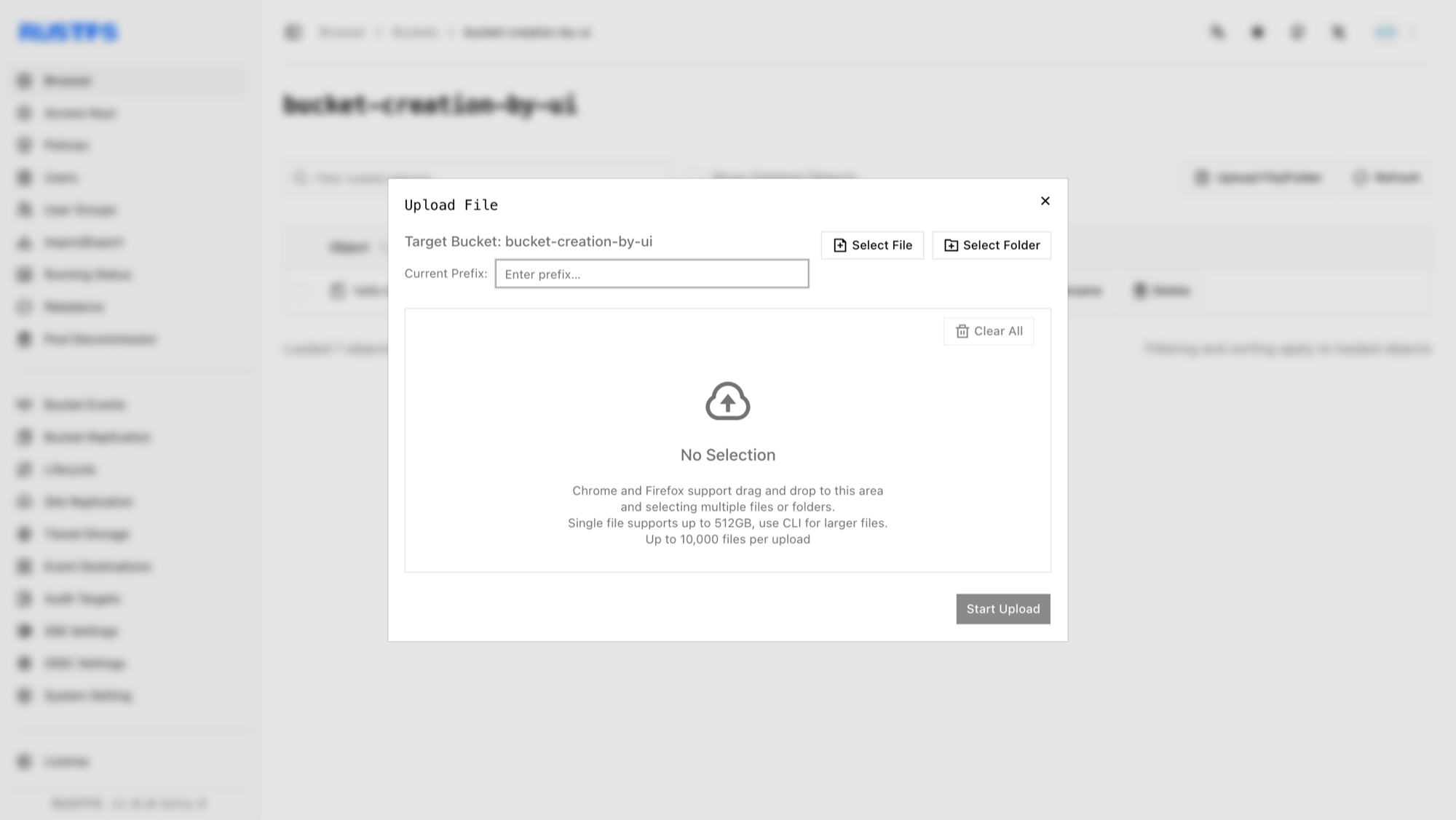
- On the bucket page, in the top right corner, select New Directory, New File, or Upload File/Folder.
- To upload from your local machine, click Upload File/Folder, select the files, and click Start Upload.
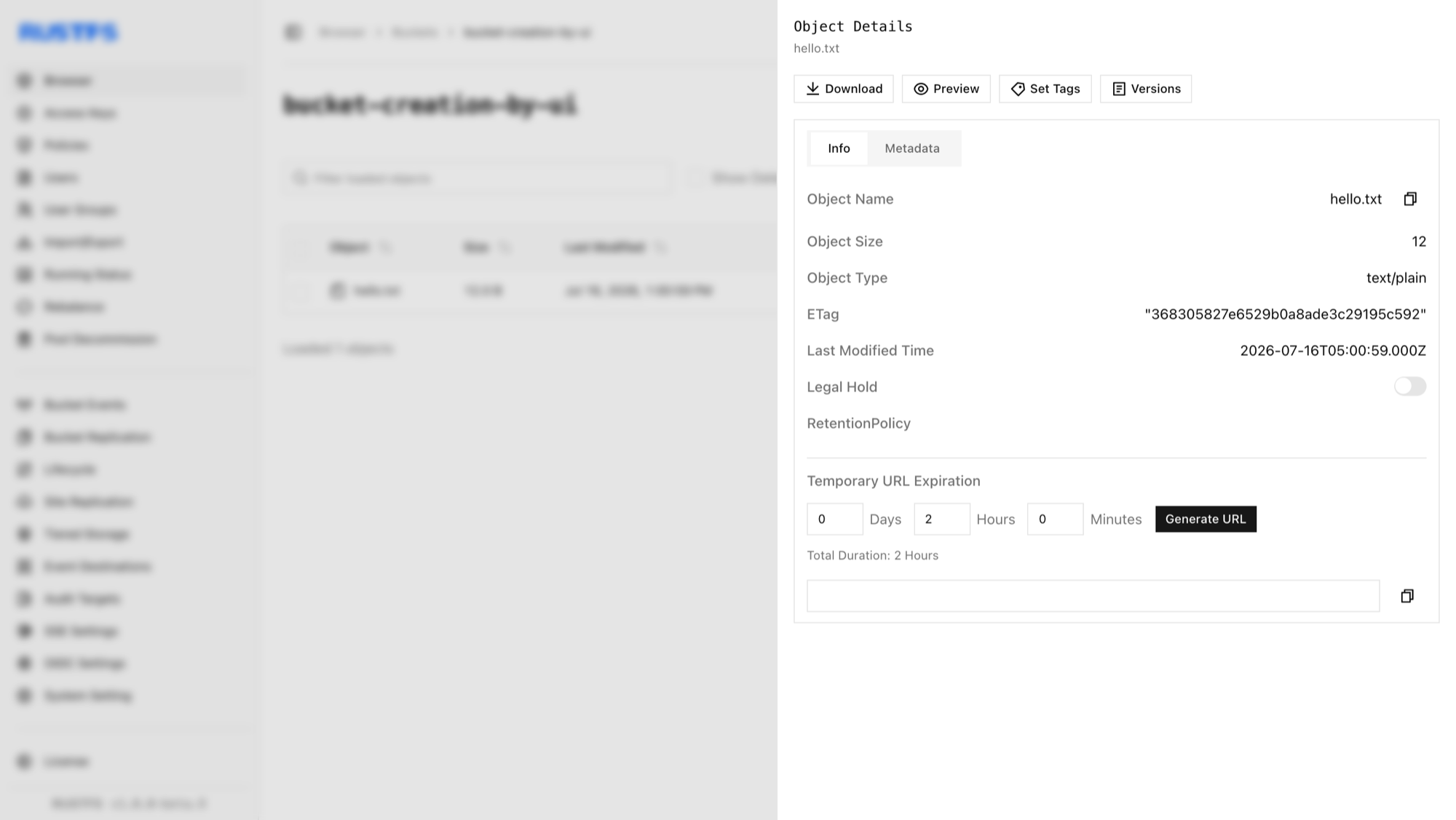
Click on an object to view its details.
Using mc
See the
mcUsage Guide for installation and configuration.
Upload a file:
# upload file
mc cp 1.txt rustfs/bucket-creation-by-mc
/tmp/1.txt:            13 B / 13 B  ▓▓▓▓▓▓▓▓▓▓▓▓▓▓▓▓▓▓▓▓▓▓▓▓▓▓▓▓▓▓▓▓▓▓▓▓▓▓▓  61 B/s 0s%

# confirm file uploaded
mc ls rustfs/bucket-creation-by-mc
[2025-08-01 10:01:08 CST]    13B 1.txt
Verify the upload in the RustFS Console.
Using the API
Upload a file via API:
PUT /{bucketName}/{objectName} HTTP/1.1S3 requests must be signed with AWS Signature V4, so use an S3 client rather than hand-crafting headers. With the AWS CLI configured for your access keys:
aws s3api put-object \
  --bucket bucket-creation-by-api \
  --key hello.txt \
  --body /path/to/hello.txt \
  --endpoint-url http://localhost:9000
Verify the upload in the RustFS Console.
Deleting Objects
See Object Deletion.
Use the following API for file deletion:
DELETE /{bucketName}/{objectName} HTTP/1.1Request example:
aws s3api delete-object \
  --bucket bucket-creation-by-api \
  --key hello.txt \
  --endpoint-url http://localhost:9000
You can confirm the file has been deleted on the RustFS UI.